
Browsing history
Every browser and profile on your computer: Chrome, Edge, Firefox, Safari, Arc, Brave and more. Older history comes back from Google Takeout.
Home · History · Insights · Backup

Chrome deletes your history after 90 days. Claude Code deletes your conversations after 30. PathKeep keeps all of it on your own computer, and helps you find your way back.
Version 0.6 · free and open source · macOS and Windows
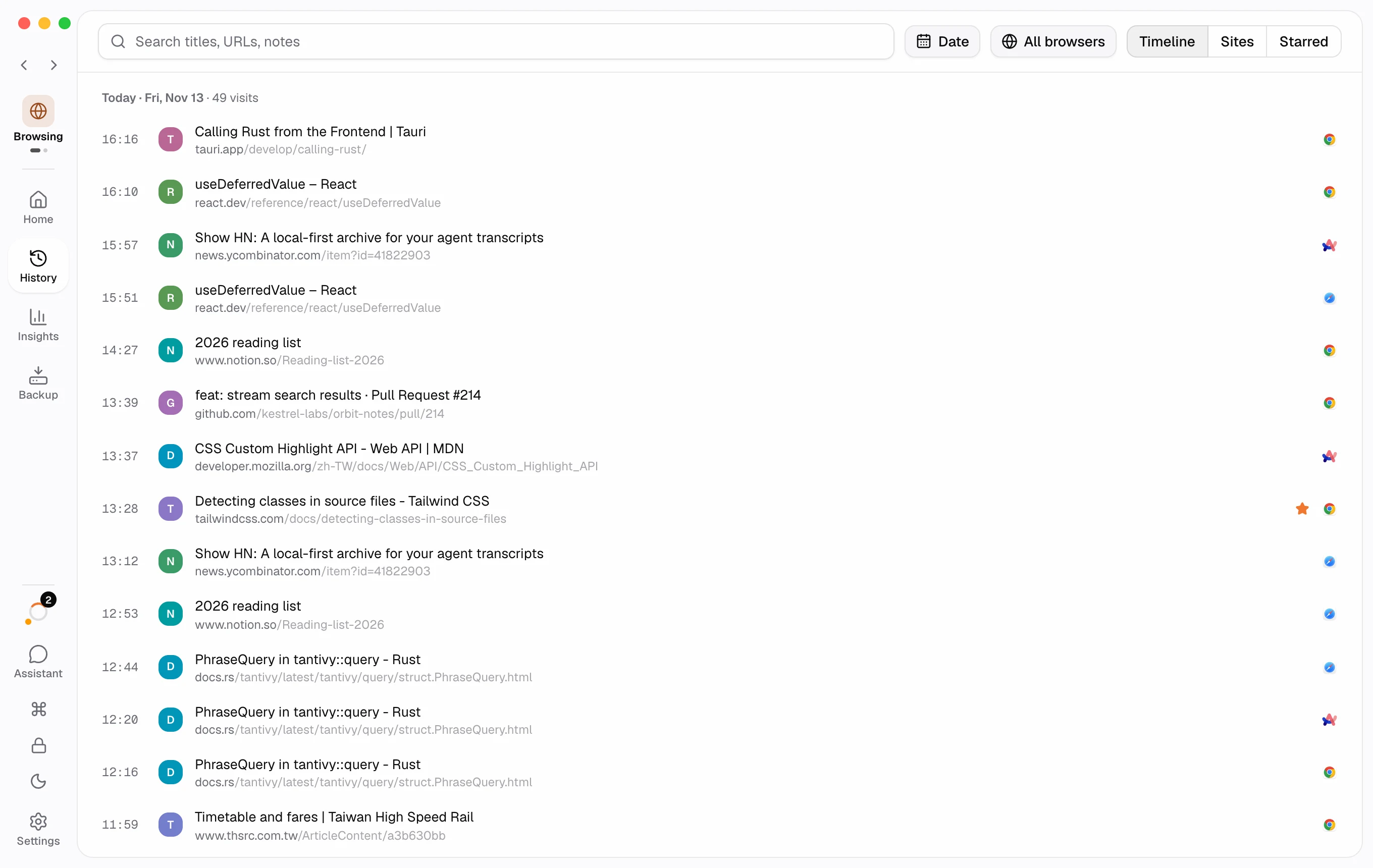
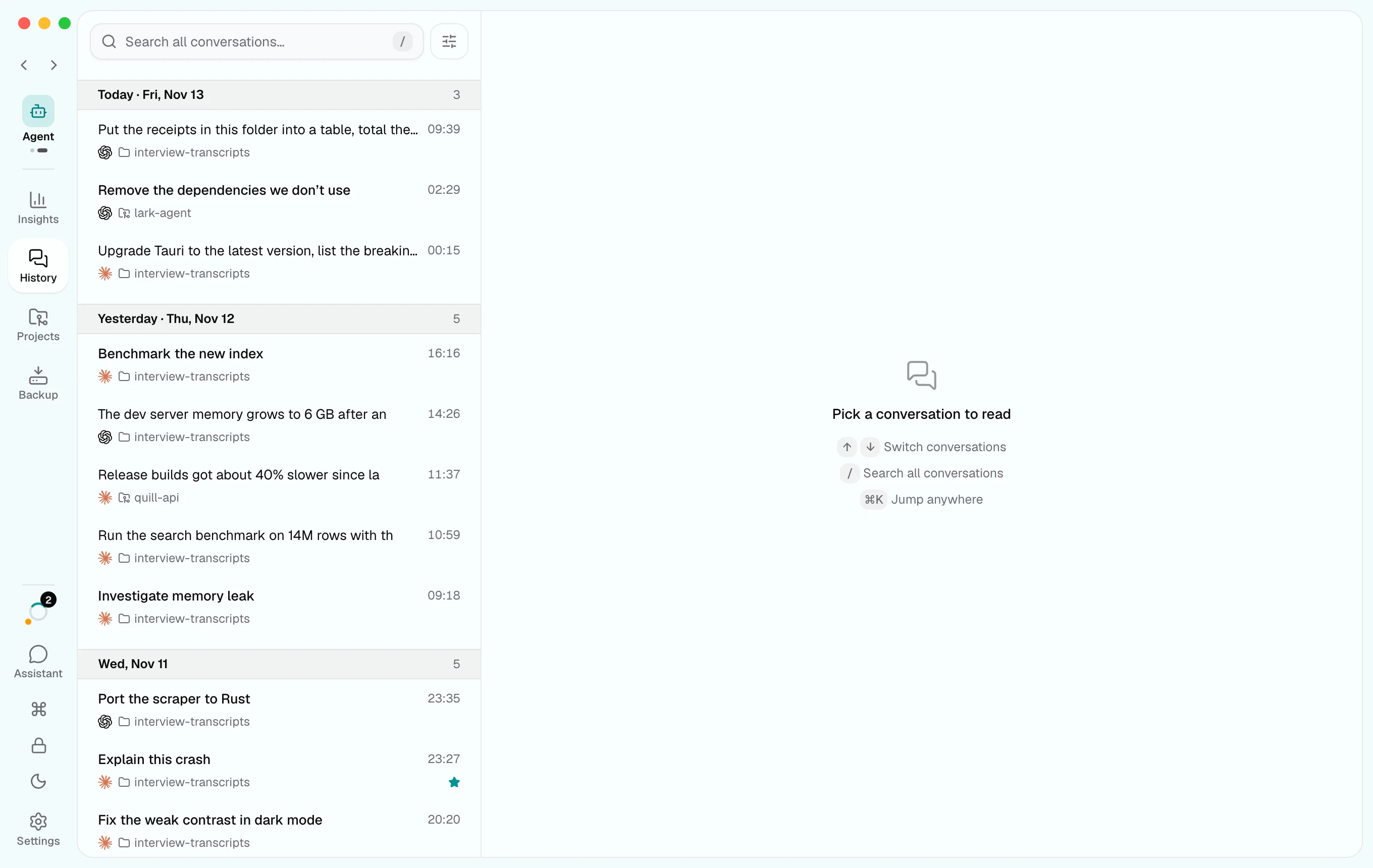
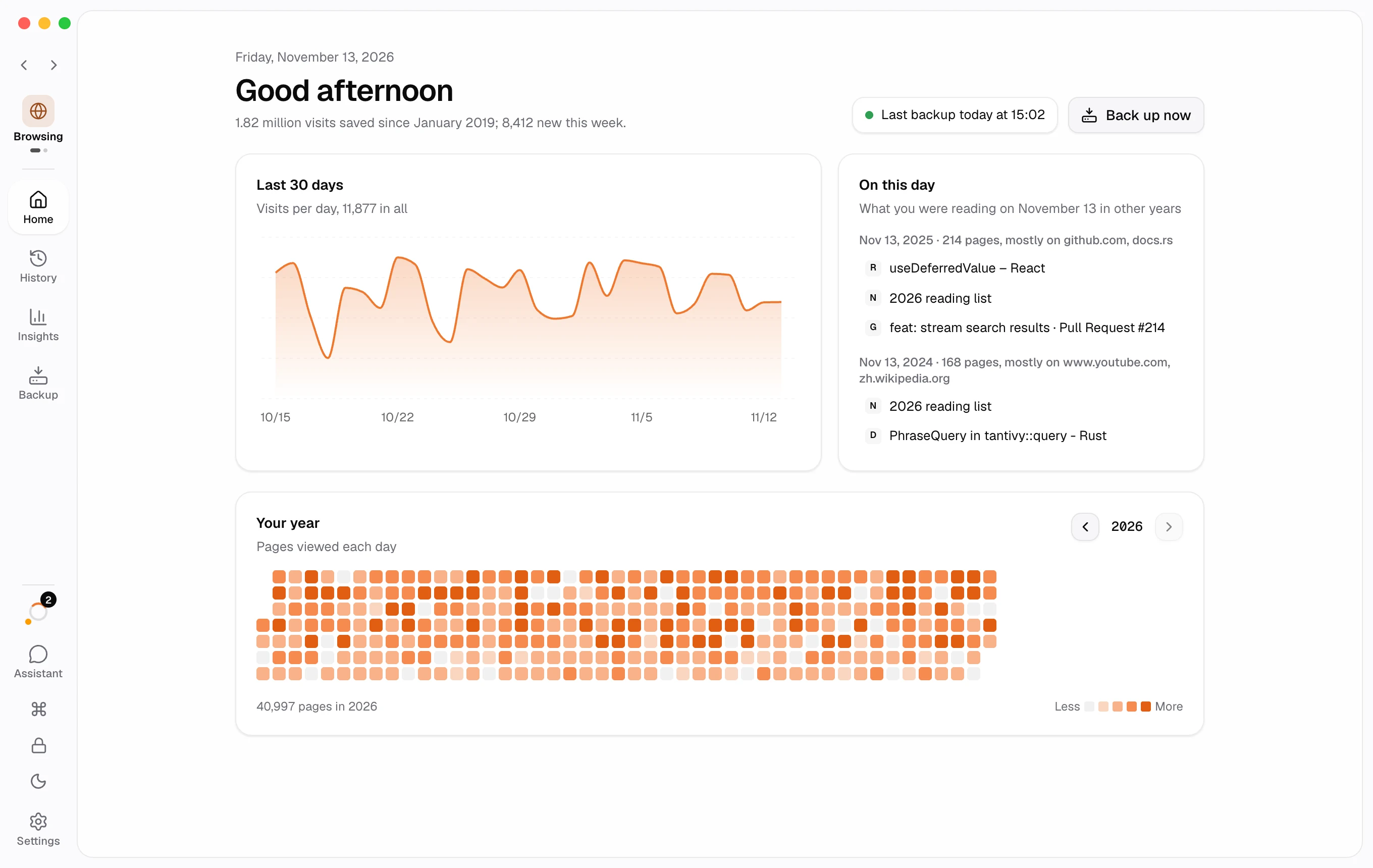
A picture of the app. The working demo is further down.
Browsers and coding agents keep a short window and clean up the rest on their own. Sync doesn’t keep it either: it moves recent history between your devices, nothing more.
 as long as you want
If you use Chrome and have never backed up your history, everything older than three months is most likely gone already.
PathKeep copies each kind into one archive on your disk, a little at a time, for as long as you want to keep it. In the app, each kind has a space of its own.
Every browser and profile on your computer: Chrome, Edge, Firefox, Safari, Arc, Brave and more. Older history comes back from Google Takeout.
Home · History · Insights · Backup

Sessions from Claude Code, Codex, Pi and DeepSeek Harness, with their projects, subagents, tokens and the hours your agents worked.
Insights · History · Projects · Backup
More things that quietly expire will follow, each in a space of its own.
PathKeep stays fast with millions of visits in it, so the page you read two years ago is still a few keystrokes away.
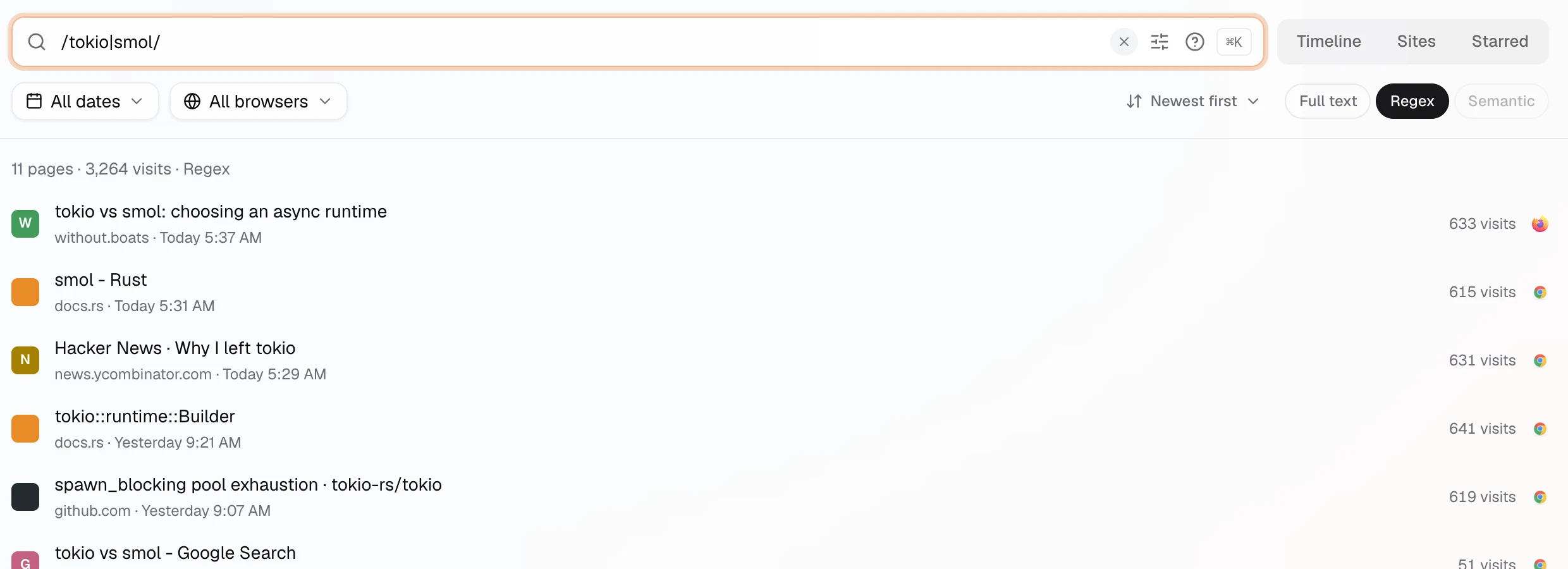
Titles, addresses and page text, or a regular expression. Filter by date, browser and site.
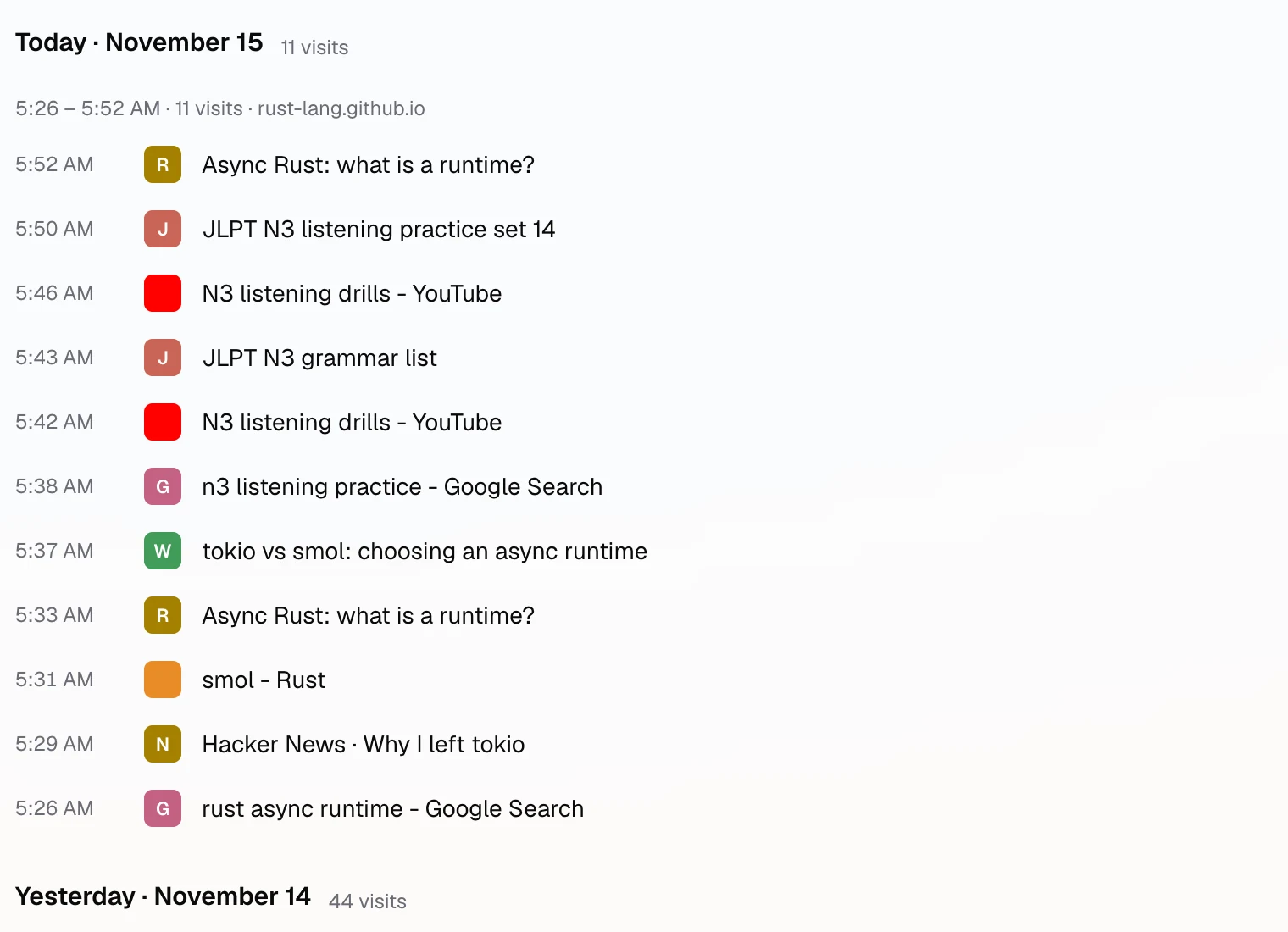
Every visit by day and by session, in a list that stays smooth however long it gets.
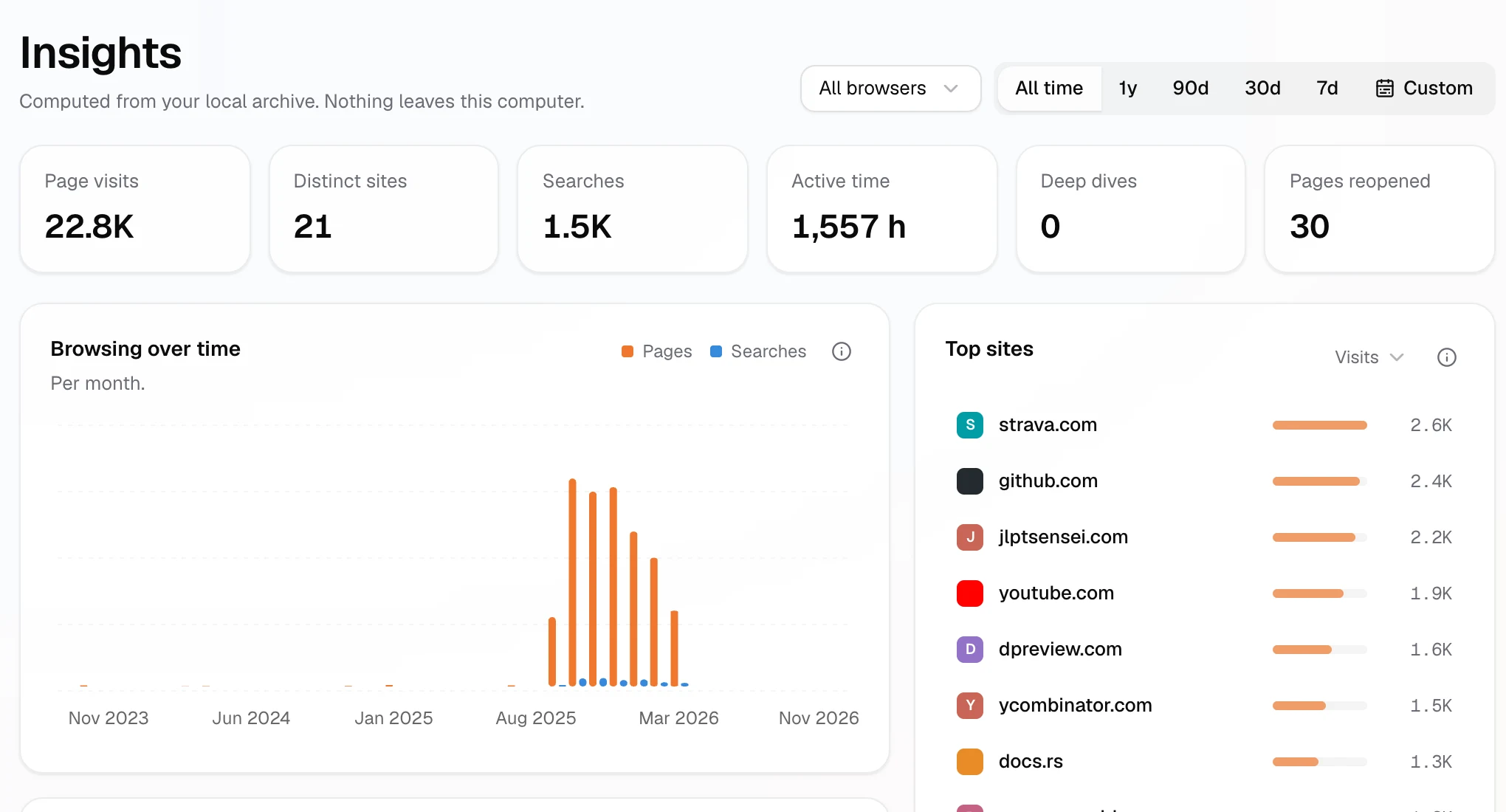
Worked out on your computer: your top sites, when you browse, what you search for, the pages you keep going back to.
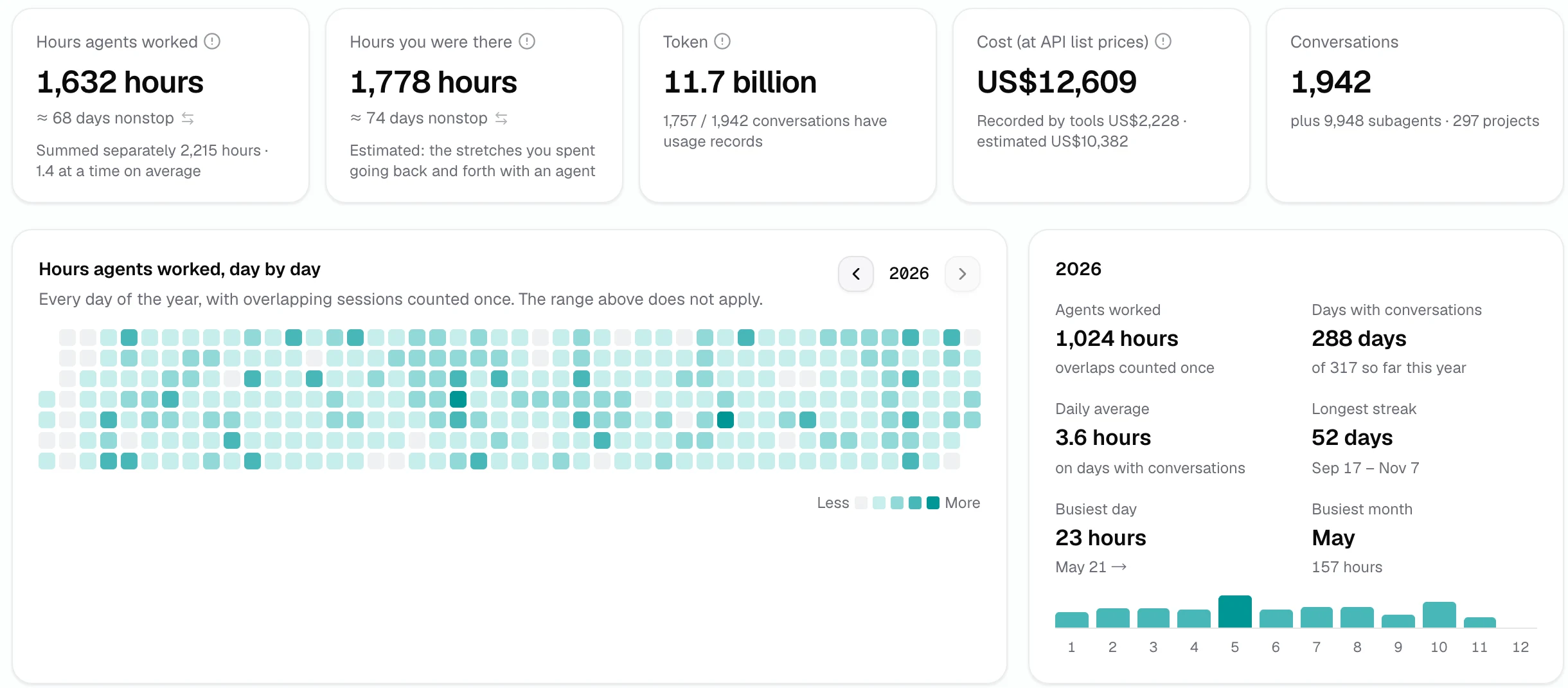
The hours your agents worked and the hours you were there, tokens and cost at list price, by project and by tool.

There’s no account and no server. PathKeep reads your browsers’ and tools’ files, writes to its own archive, and never changes theirs.
Two features contact websites: link previews and page summaries. Settings shows both, and either can be off.
A full copy of the app runs here on made-up history, nobody’s real browsing. Click anything; nothing you do leaves this page.

No. PathKeep has no server and no account. Link previews and page summaries fetch from the websites directly, and both can be turned off. AI stays off until you choose a model.
Tested: Chrome, Edge, Firefox, and on macOS Safari, ChatGPT Atlas and Perplexity Comet. Brave, Vivaldi, Arc, Opera, Chromium, LibreWolf, Floorp and Waterfox are backed up too, but not yet tested for release.
No. PathKeep only reads. Your browser works as before, and PathKeep keeps its own copy.
Some of it. Google Takeout holds your Google account’s Chrome history, often about 18 months of it, and PathKeep can import it. So can history files from other browsers or computers. Every import can be undone.
No. Backup, history, search and insights work without it. Ask and semantic search are there for those who want them.
No. PathKeep is free software under the GPL-3.0, and all the source is on GitHub.
A desktop app written in Rust with Tauri 2, not Electron, with an interface in React and TypeScript. The archive is a Turso database, SQLite-compatible and written in Rust, and full-text search runs on Tantivy.

Download it and go: no account. It finds your browsers and agent tools, and asks before it keeps anything.
The installers aren’t signed yet; the README says how to open them the first time. Source on GitHub